
Get Tavala on every device you own
The same app on four sizes, each laid out for its screen. Start on any of them with no account; sign in later and one account carries your entries between them.

Scan to get Tavala on your phone.
iPhone and iPad
iOS 15 or later. Portrait on iPhone, every orientation on iPad.
A home screen widget shows what you spent today and this month, and its plus opens straight to a new entry.
More on Tavala for iPhone and for iPad
Android
Android 8.0 or later. Phones and tablets.
The tab bar on a phone, a navigation rail on a tablet, and the same quick capture on both.
More on Tavala for Android
Open Google Play
Scan to get it from Google Play on your phone, or open Google Play here.
Mac
macOS 13.5 or later. A native app from the Mac App Store.
A sidebar layout, the Mac menu bar with keyboard shortcuts for every tab, and the same widget for Notification Center.
More on Tavala for Mac
In your browser
Any current browser, at app.tavala.io. Nothing to install.
The sidebar layout of the Mac. Without an account your entries live in that browser's storage; signed in, every browser counts as one device on the free plan.
More on Tavala in your browser
What it looks like
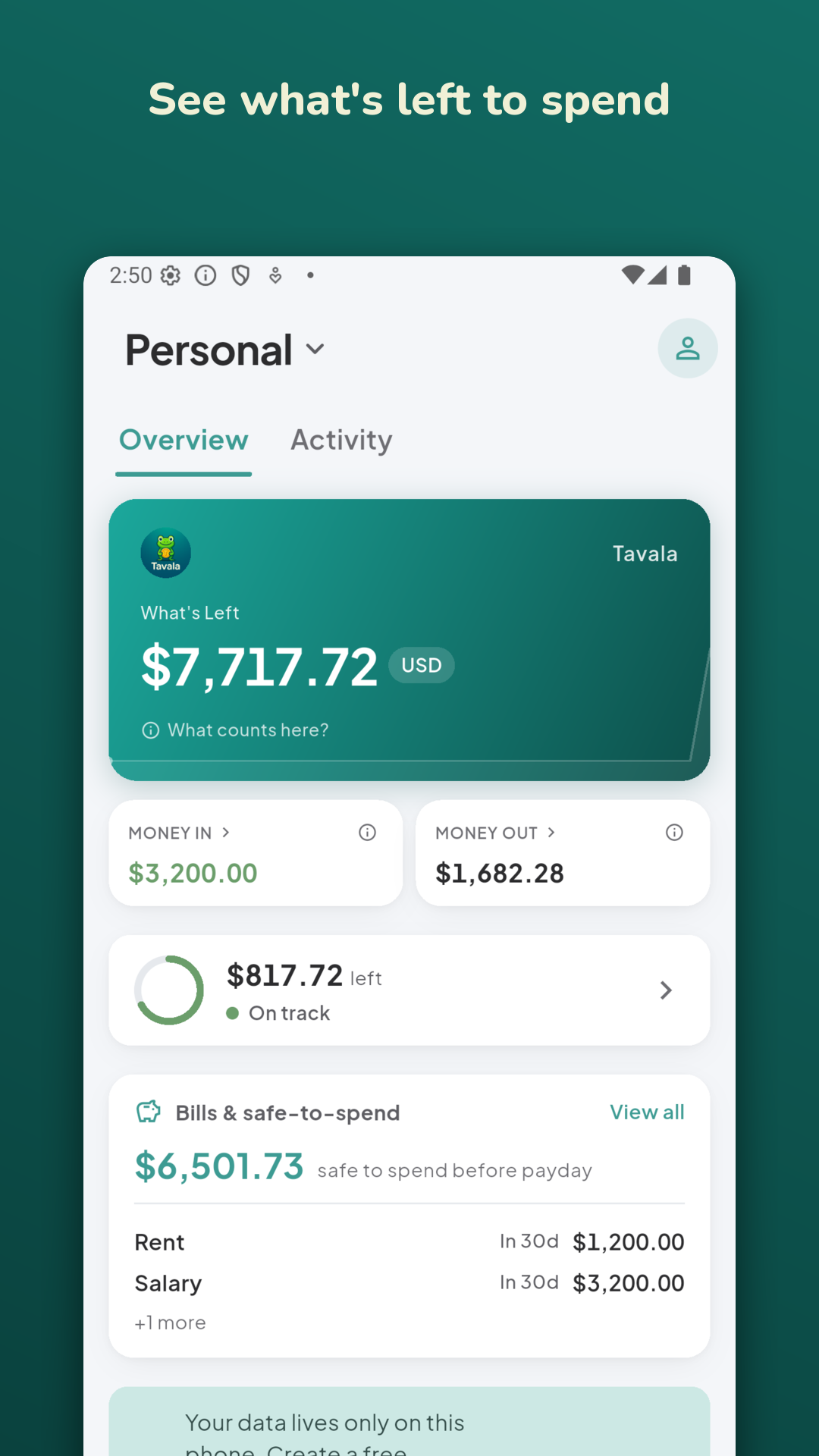
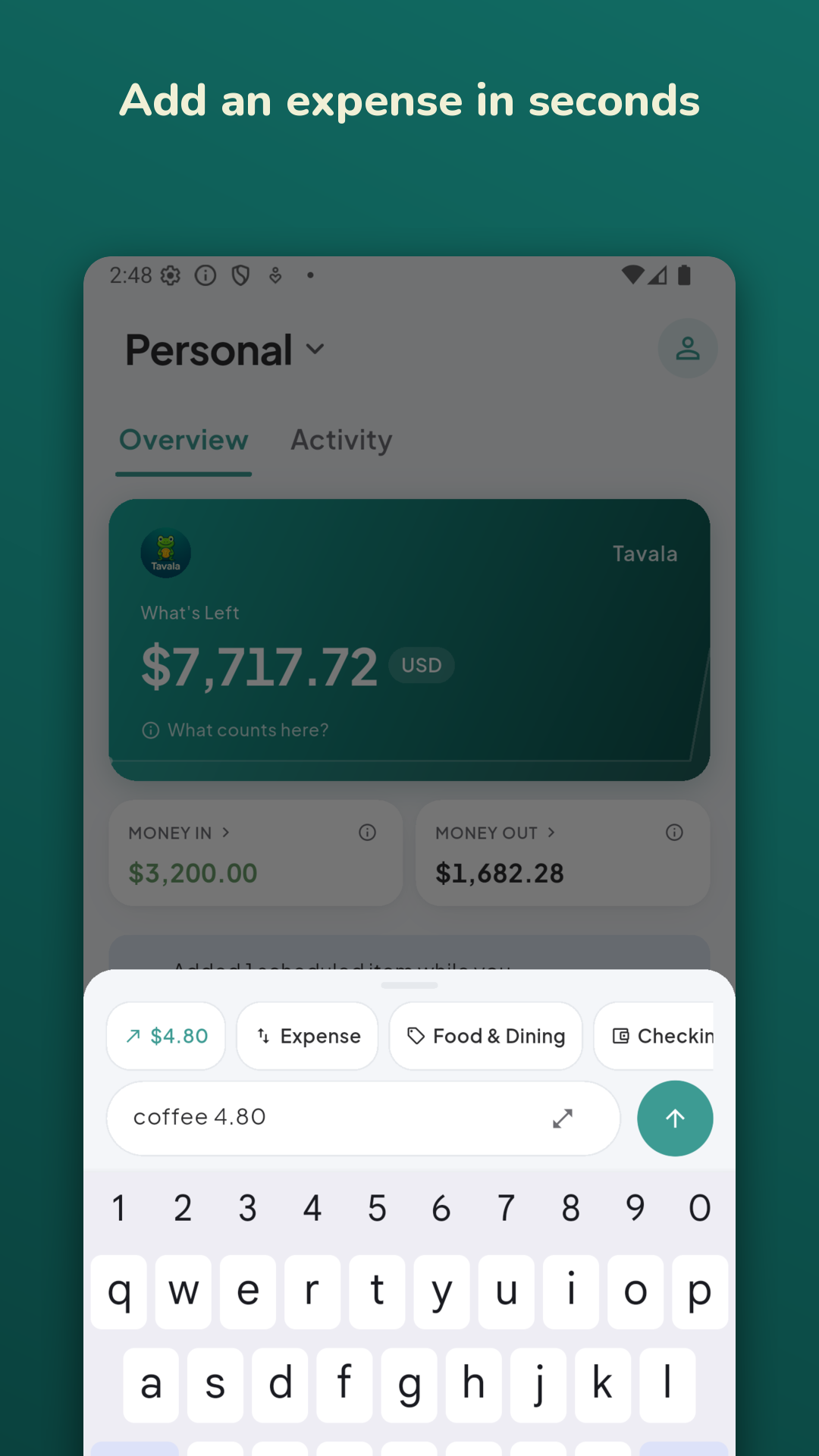
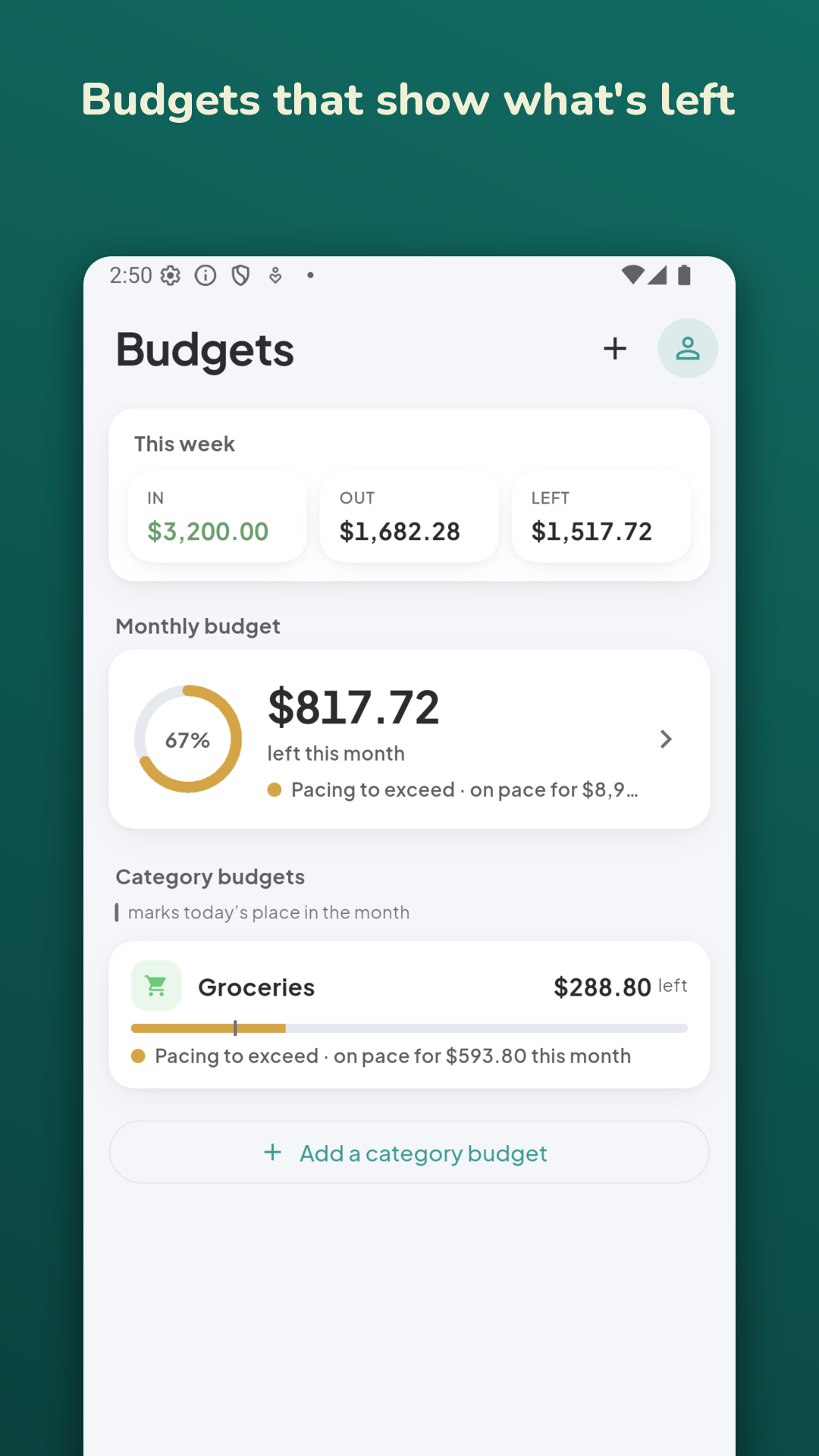
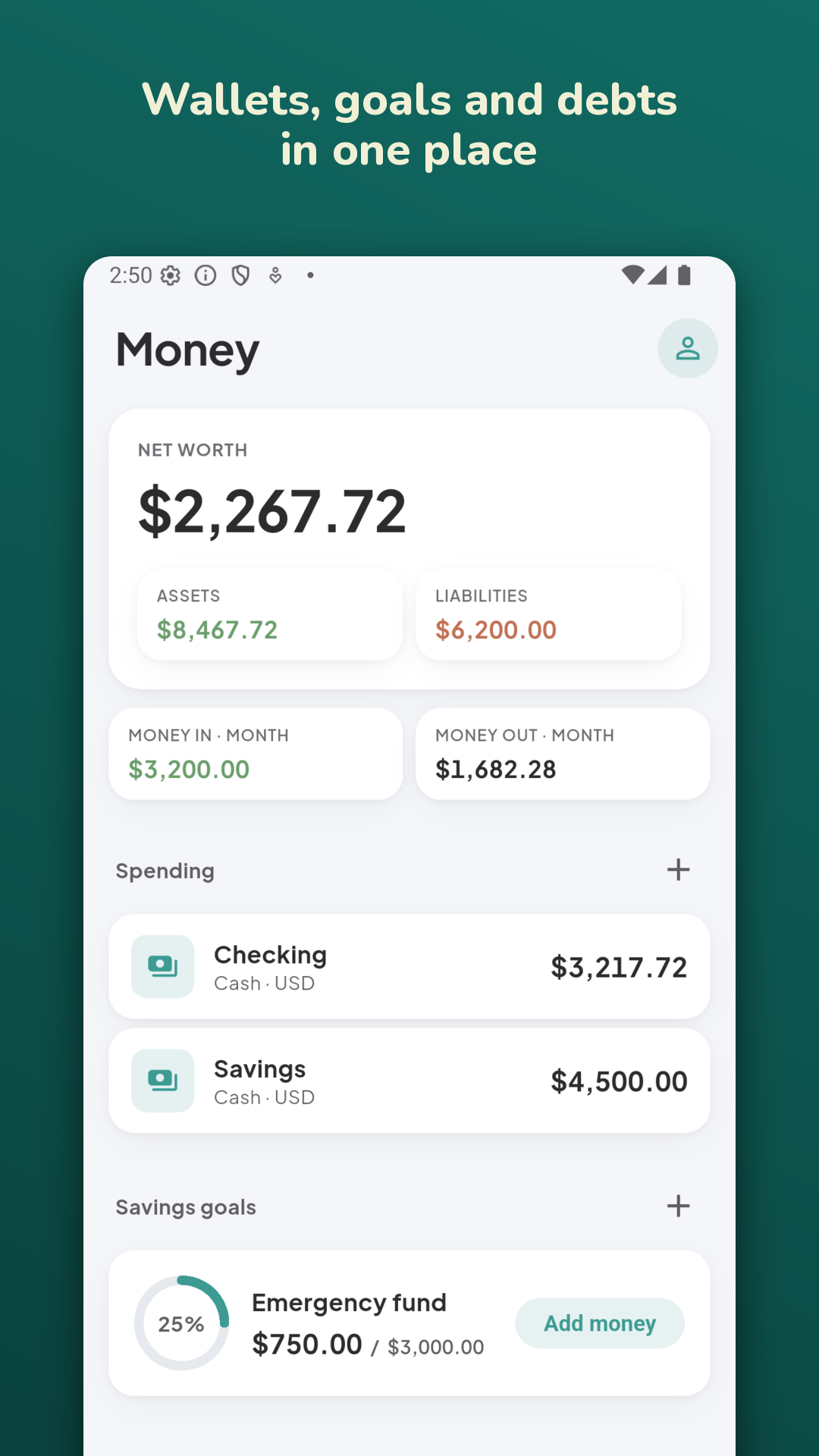
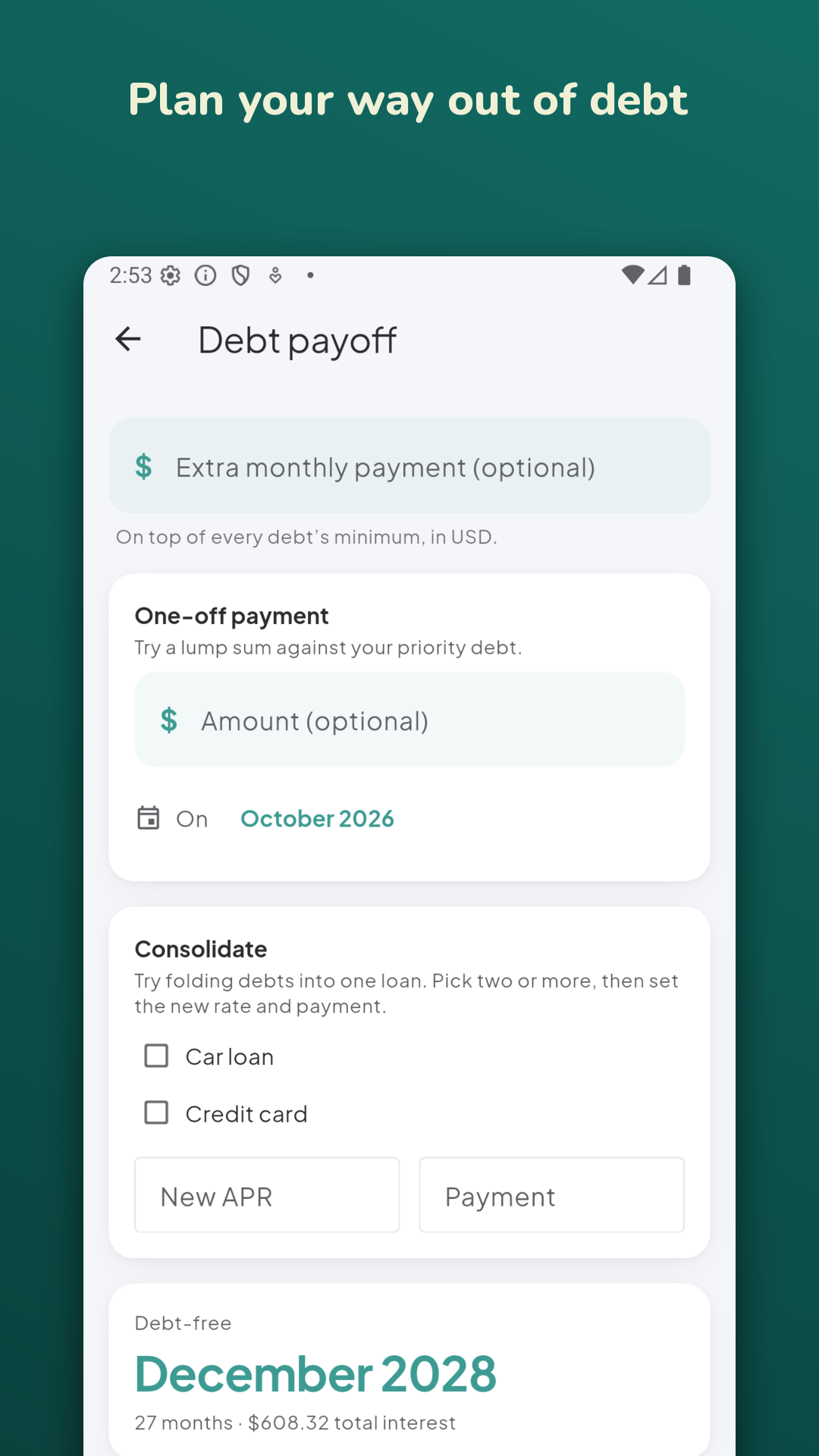
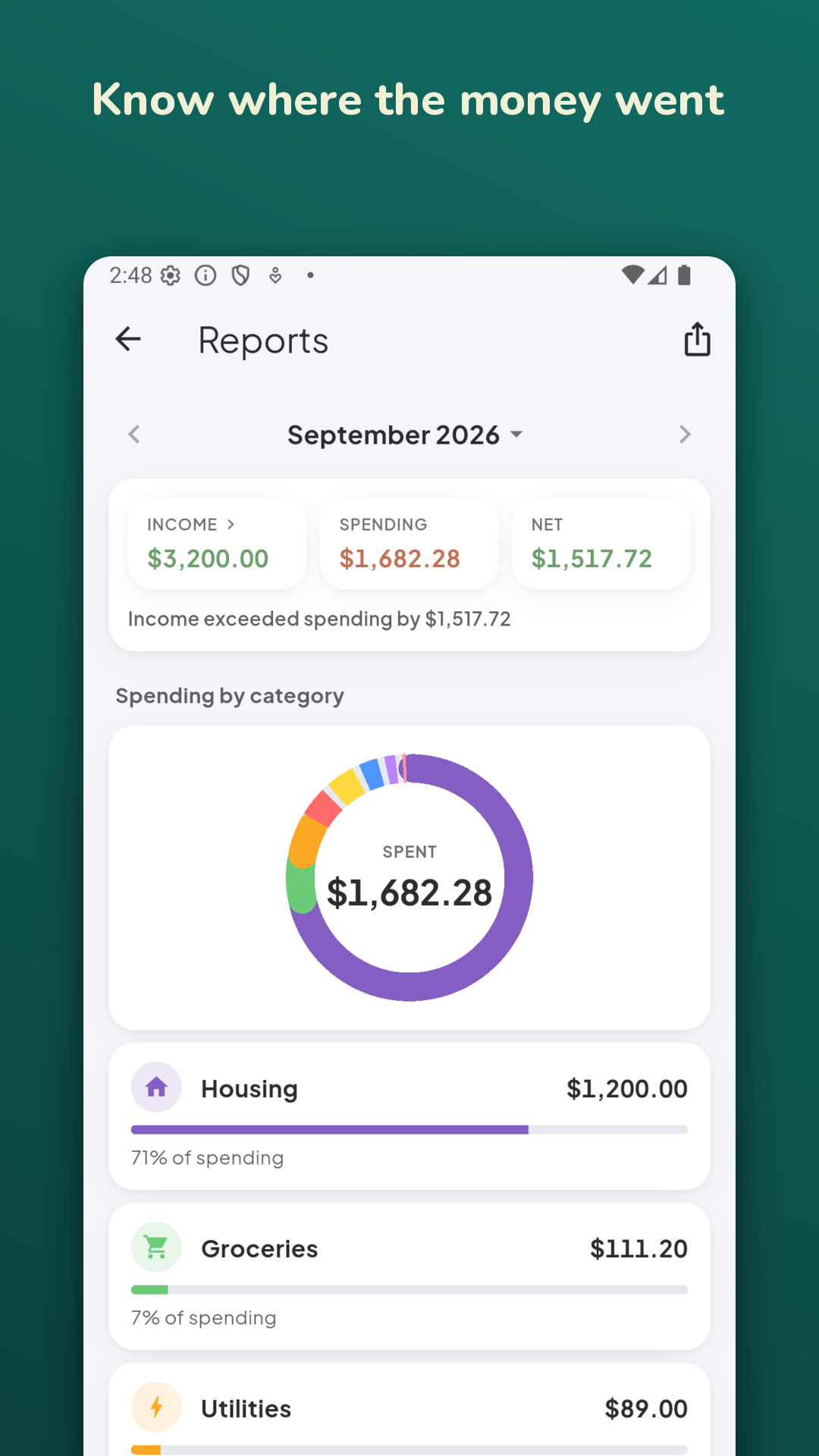
One account, or none
Which devices stay in step is the only thing that changes between the plans.
- No account to startOpen Tavala and add what you spent. Your entries stay on that device and nothing is sent anywhere.
- A free account backs up one deviceSign in from Settings and your history is kept. A new phone picks it up when you sign in there; moving is free.
- Plus keeps every device in stepPhone, tablet, Mac and browser, all synced. See what Plus changes.
Already installed?
Open the app, add what you spent today, and create an account only when you want a backup or a second device.